react-ui-os
A real desktop OS,
in one React component.
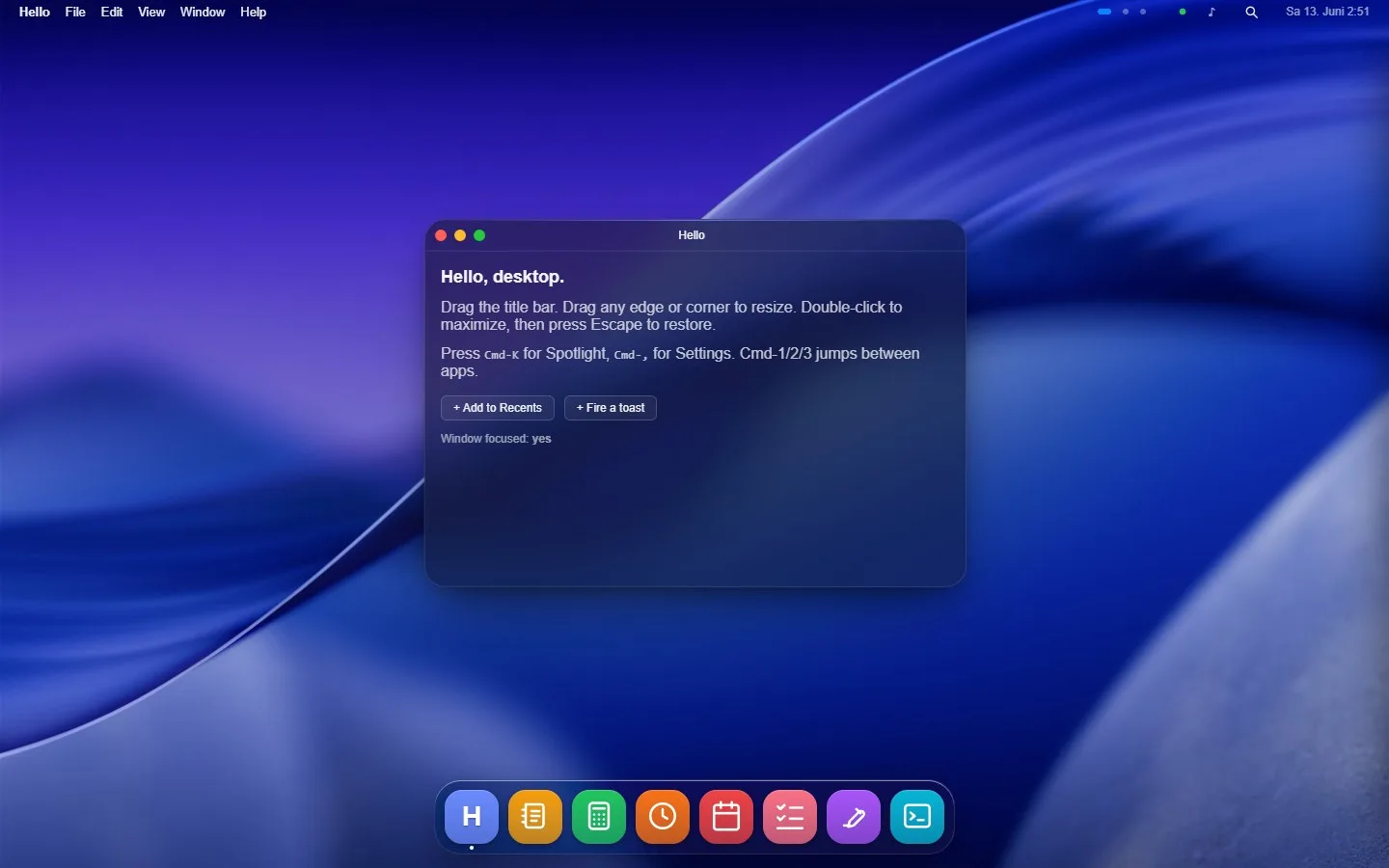
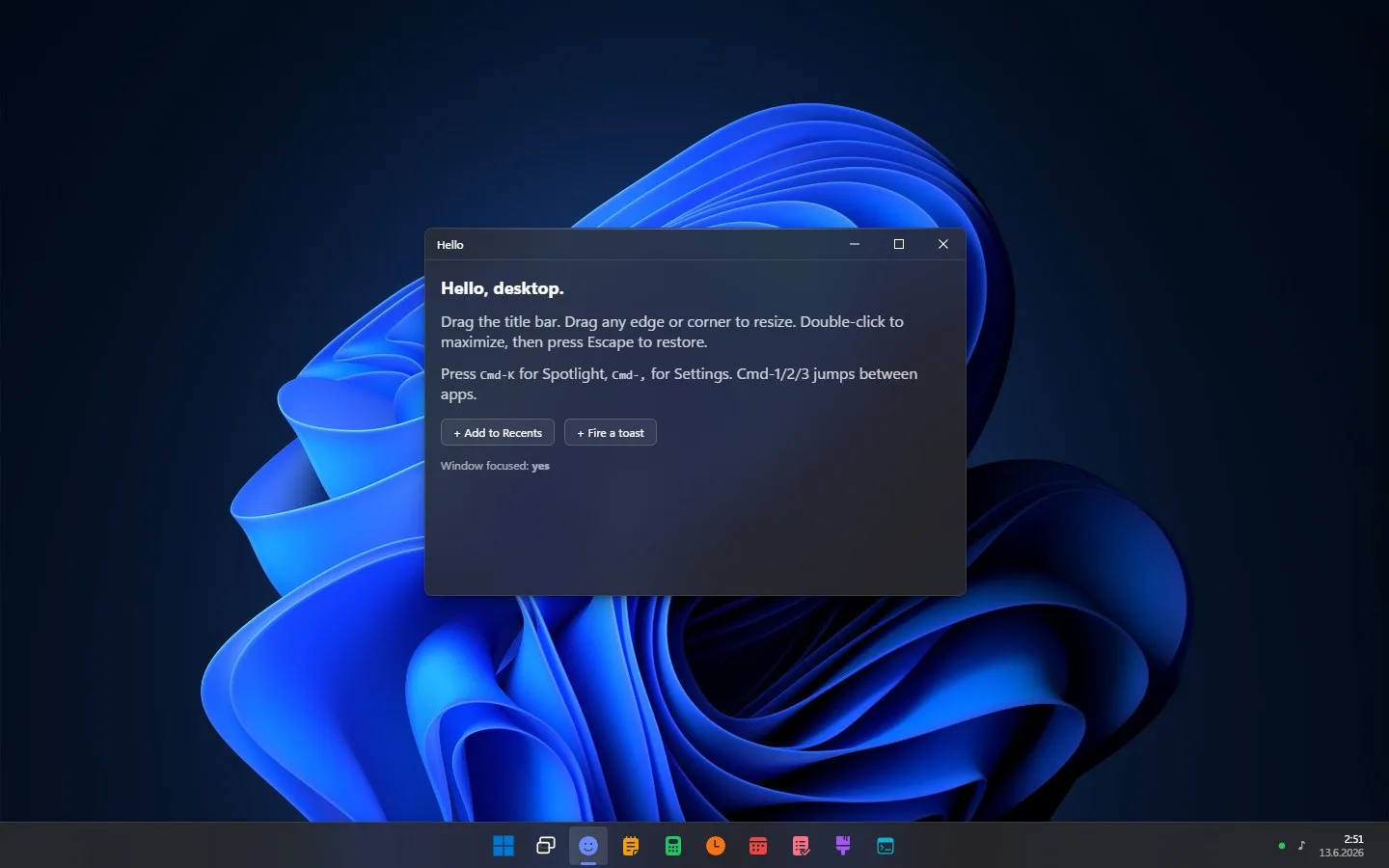
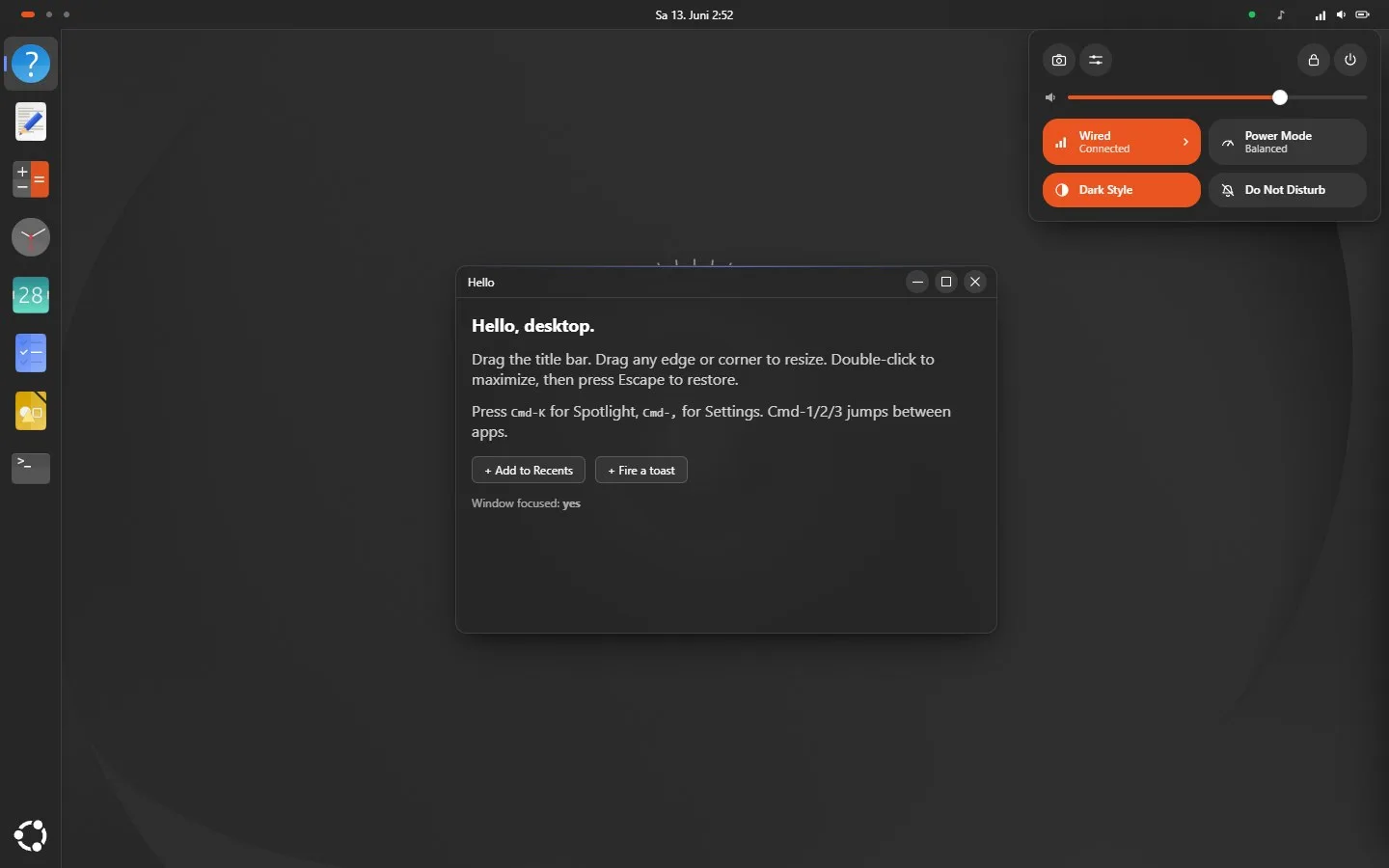
macOS, Windows, and Ubuntu, cloned down to the chrome. Fill it with your apps and ship it to the browser.
This is the library running live, not a video. Drag a window, press Cmd-K, switch the OS.
Highlights
Have a look around.
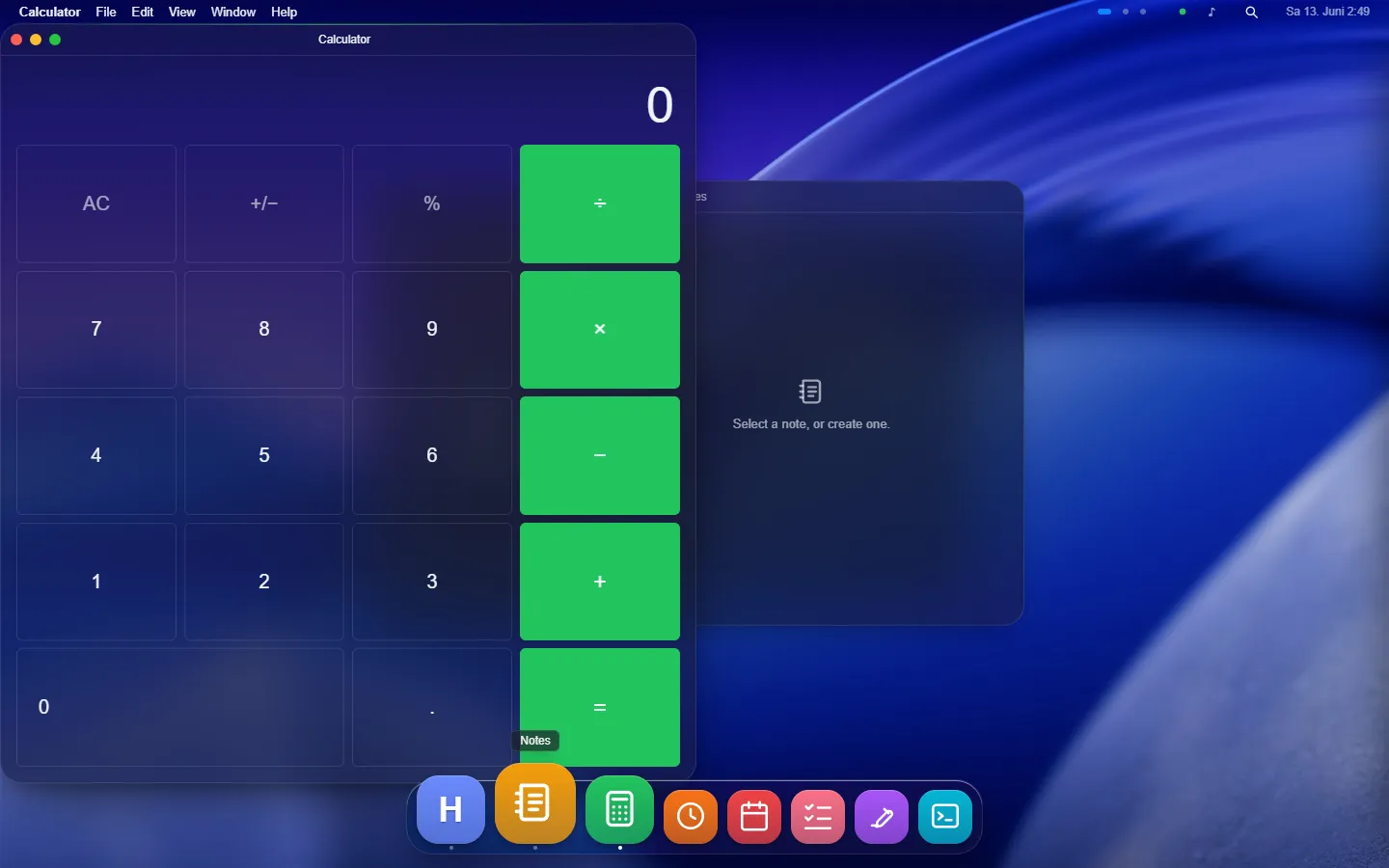
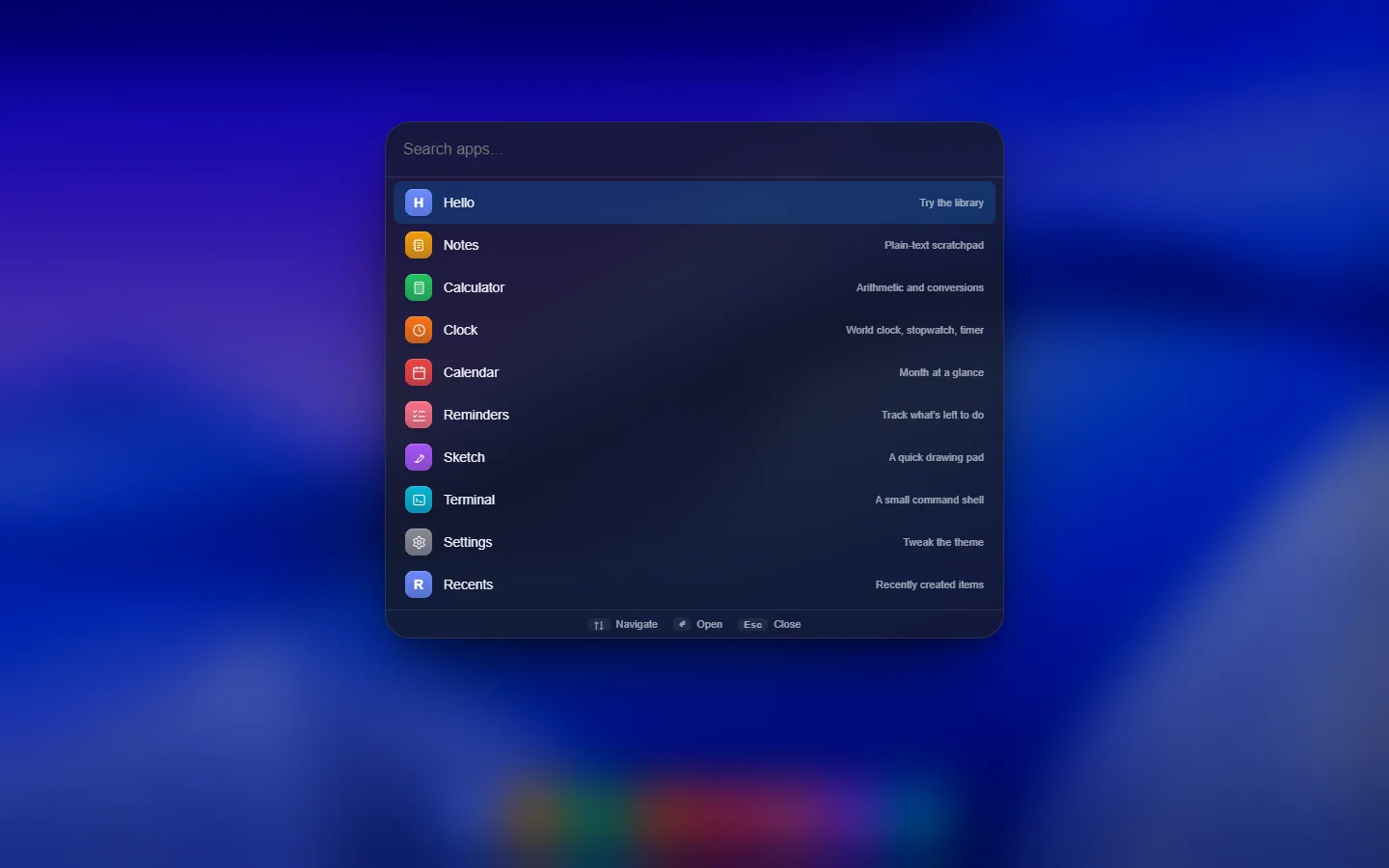
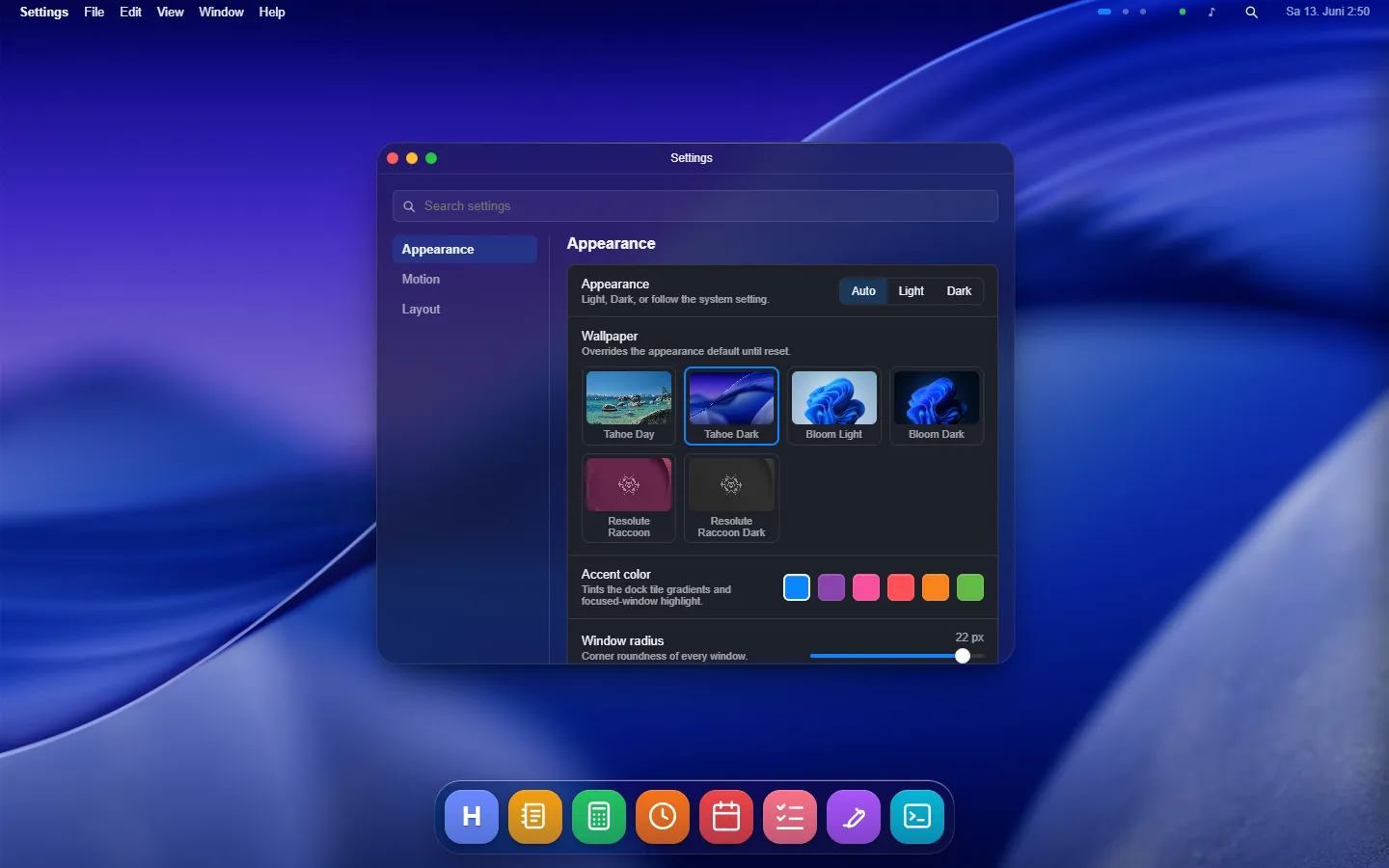
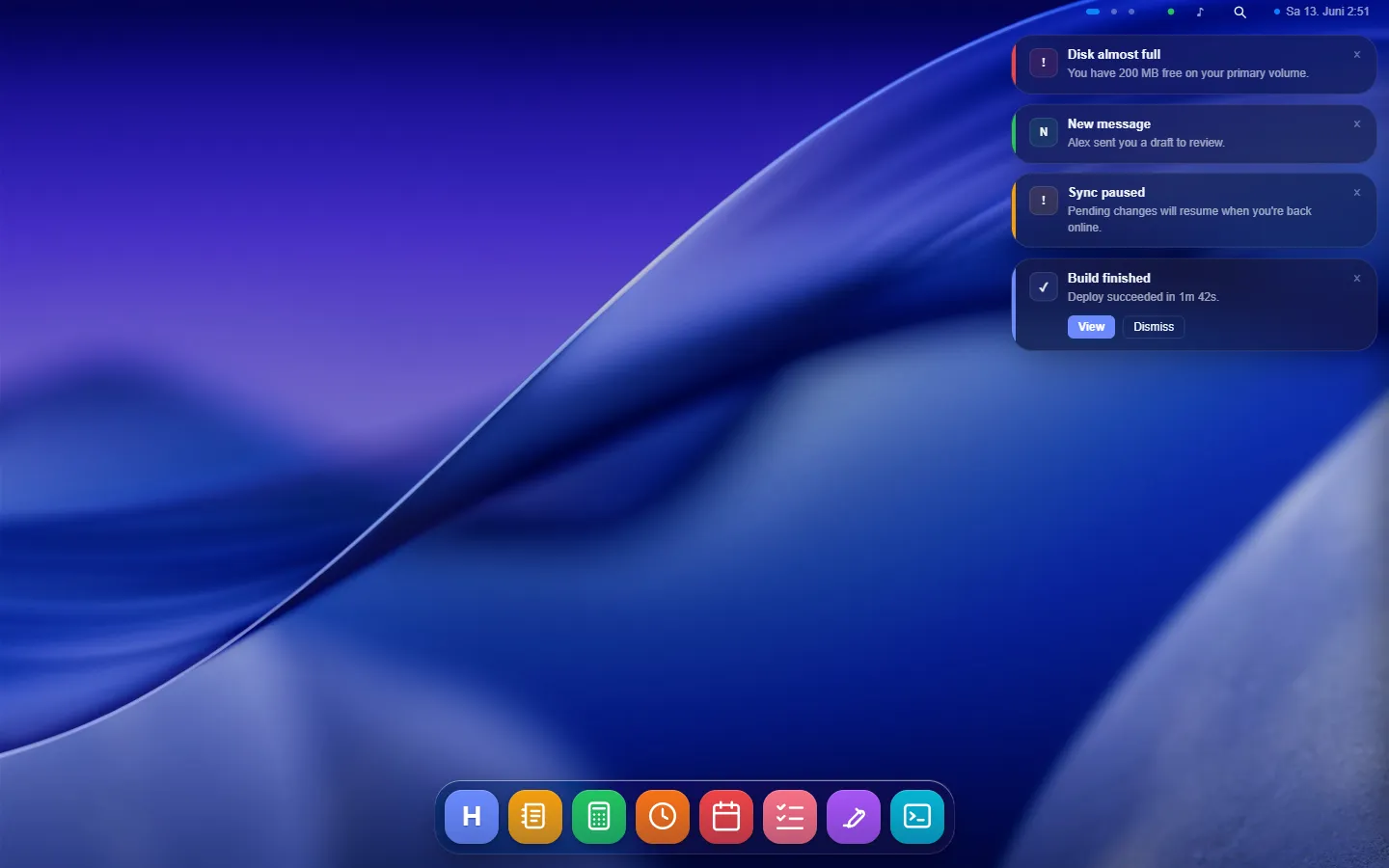
Everything below is rendered by the library. The desktop above is the same code, running live.
The contract
You register apps. The library composes the system.
An app is one object. Register it and it appears in the dock, the menu bar, Spotlight, and the keyboard shortcuts at once, with nothing else to wire.
import { Desktop } from "@react-ui-os/desktop";import { macosTheme } from "@react-ui-os/theme-macos";
const apps = [{ id: "notes", name: "Notes", content: () => <h1>Hello, desktop.</h1> }];
<Desktop apps={apps} theme={macosTheme} />;Themes
Each one is its platform, not a coat of paint.
The same apps and window manager run under every theme. Motion timings, corner radii, and chrome dimensions come from the real platforms, cited in the code, not tuned by feel.
Make it yours
The clones are reference themes, not the ceiling.
A theme is one plain-data object: palette, shape, motion, blur, wallpaper, chrome. Put the dock on the left, drop the menu bar, round the windows, pick your accent. Start from a shipped theme and change what you disagree with, or click one together on a live desktop and copy the file out.
App Store
Install an app, own the files.
Apps are not bundled into the library. The CLI copies an app's source into your codebase, so you can edit everything after install. Notes, Calculator, Clock, Calendar, Reminders, Sketch, and Terminal are in the registry today; host your own registry to publish more.
npx @react-ui-os/cli add notesAlso in the box
The rest of an OS.
A desktop is more than windows. These ship wired together and reachable from the same App registry.
- Workspaces. Three spaces by default, Ctrl+Alt+arrows to switch, windows keep their state across the move.
- Mission Control. F3 tiles every open window in a grid of cards; click one to focus it.
- App switcher. Cmd-Tab cycles running apps in most-recently-used order, the Mac convention.
- Window snapping. Drag to an edge for halves and quarters with a live preview, or use the keyboard chords.
- File explorer. A Finder-style surface with list and icon views, selection, and keyboard navigation.
- Context menus. Right-click the desktop, the dock, or a title bar; openContextMenu() from anywhere.
- Quick Settings. The GNOME system menu as a popover; registerQuickSetting() adds your tiles.
- Swappable storage. localStorage by default; pass an adapter for server-backed or cross-device sync.
Ready when you are.
One install, one tag, a working desktop.
npm install @react-ui-os/desktop @react-ui-os/theme-macos